

Stereogram Explorer
Mosaic Creator - Photo Mosaic software
Mosaic Creator is professional Photo Mosaic software for creating photo mosaic, photo collage, mosaic picture and mosaic video animations.
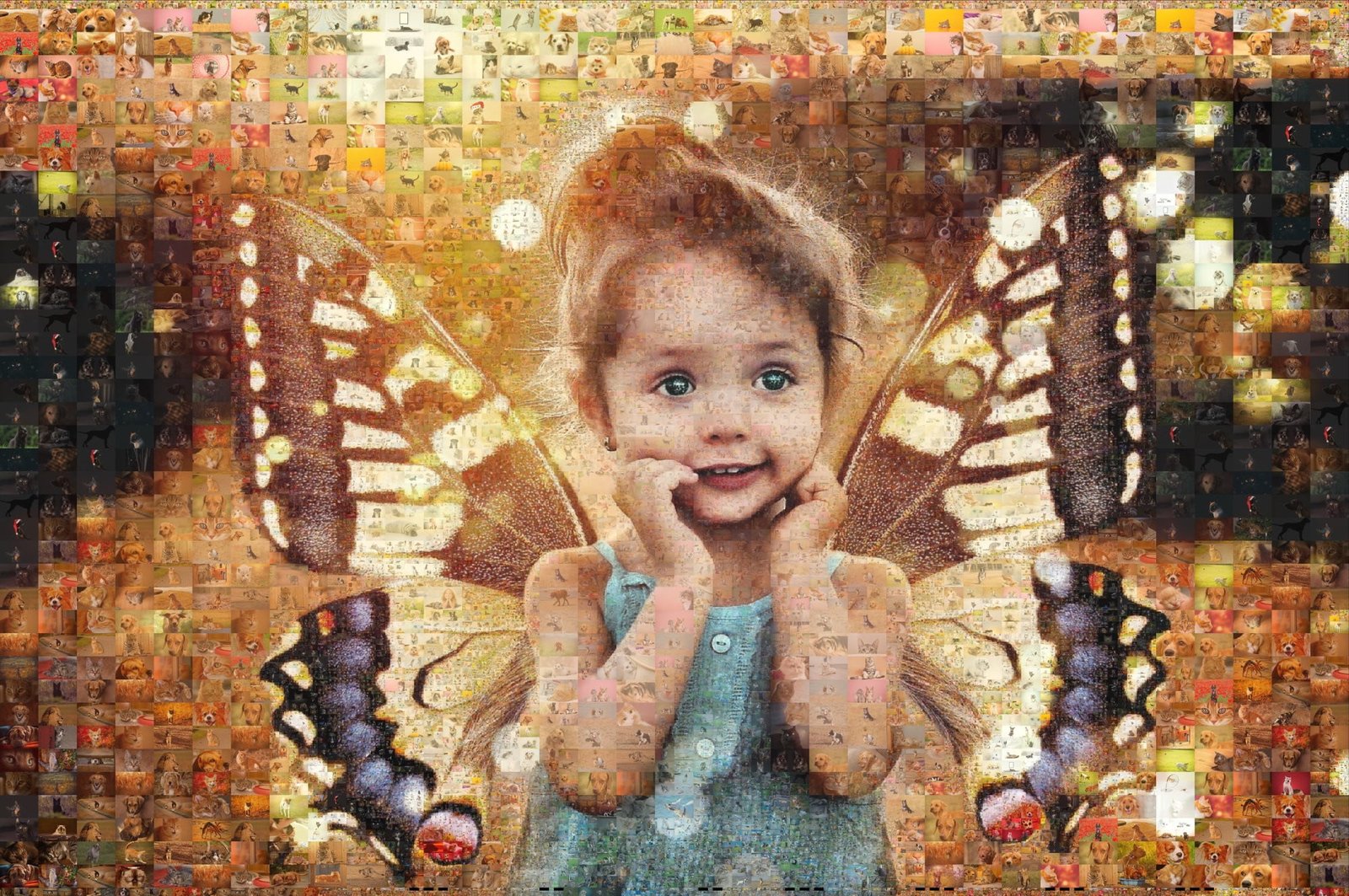
Professional Photo Mosaic Software for Windows — Create Stunning Art in Minutes
Mosaic Creator is the most featured photo mosaic software for Windows. Create photo mosaics, tile mosaic designs, photo collages, video mosaics, ASCII art, and fuse bead patterns from your own photos. Perfect for birthday gifts, wedding photos, school projects, DIY tile work, and creative artwork. Download your free 30-day trial today.
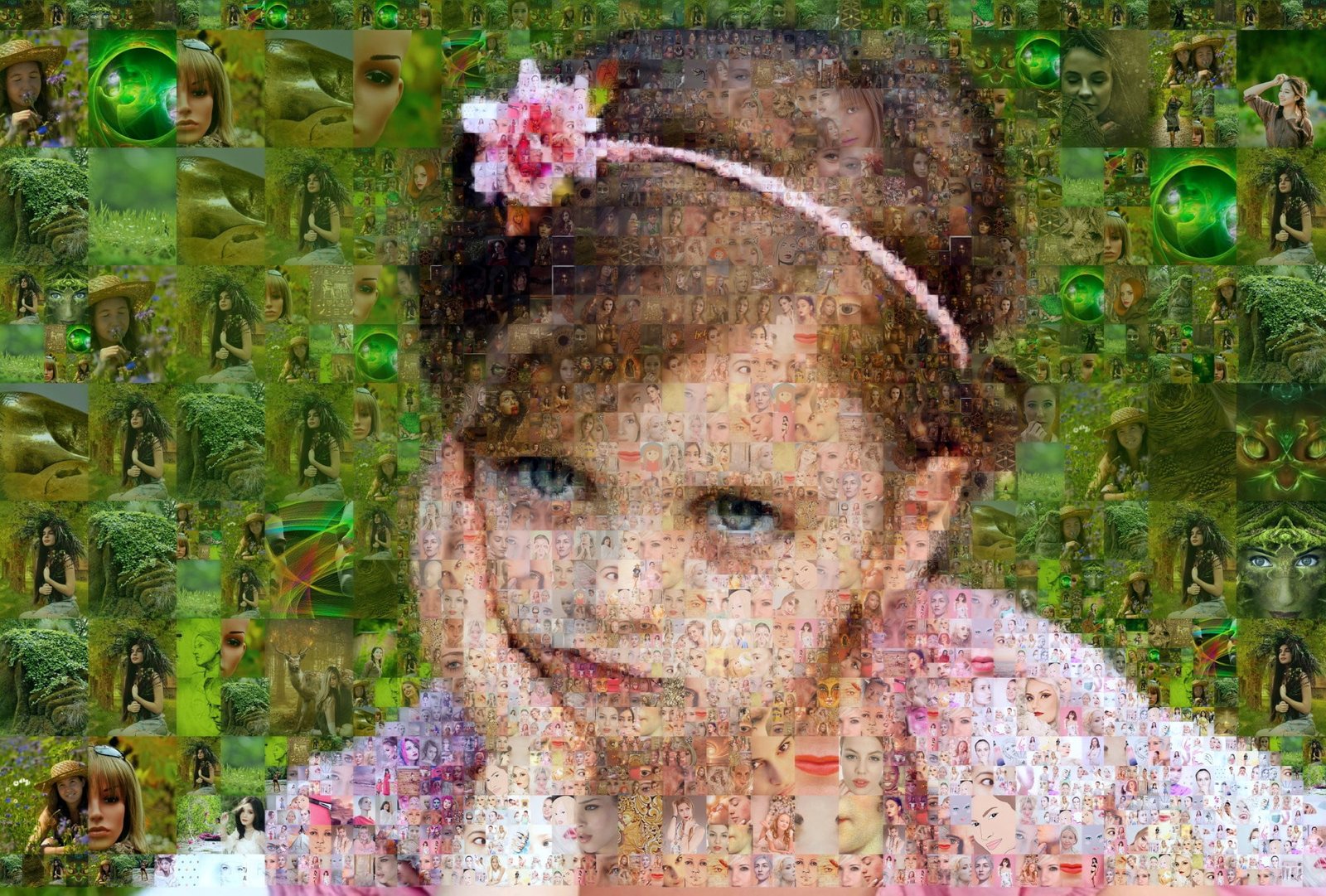
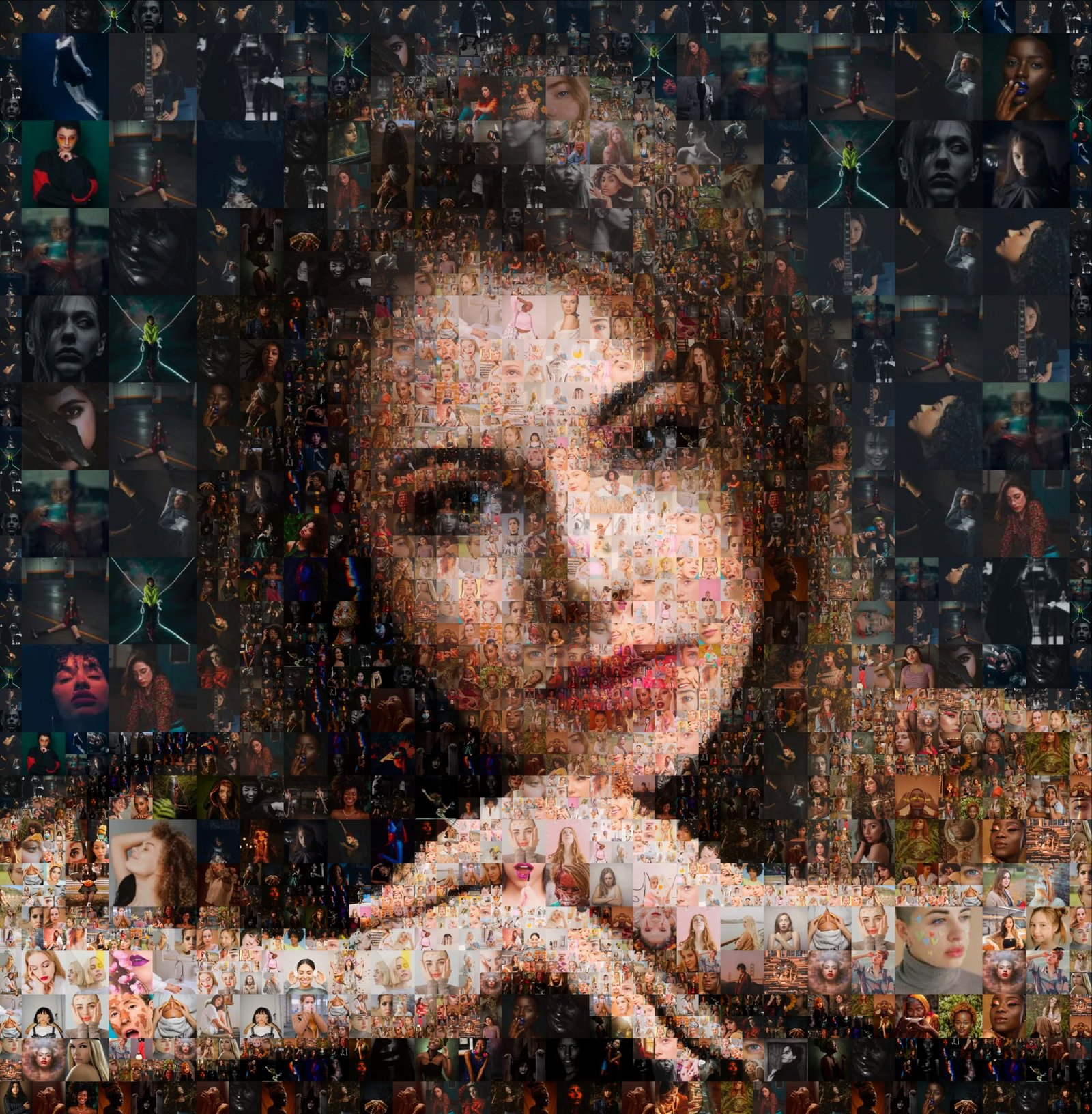
What Is a Photo Mosaic and How to Create One?
A photo mosaic (also called a photographic mosaic or picture mosaic) is a unique artwork created by arranging hundreds or thousands of smaller photos (cell images) to form a larger composite picture. When viewed from a distance, the main image is visible. When viewed up close, each individual photo reveals itself — creating a true photo mosaic effect without color fading or layered overlays.
Mosaic Creator is professional photo mosaic software for Windows that lets you create true photo mosaics with full control over cell size, tile patterns, color enhancements, and image distribution. Whether you want to make a birthday photo mosaic gift, a wedding mosaic from guest photos, a school mosaic poster, or a DIY tile mosaic design for your bathroom or pool, Mosaic Creator handles it all.
Beyond photo mosaics, Mosaic Creator also creates mosaic photo collages, text mosaics and ASCII art, pixel art from photos, random mosaics, video mosaic animations, and real tile mosaic designs calculated from your images — perfect for ceramic tile workers, glass mosaic artists, and DIY craft makers.
How to make a photo mosaic? Simply load your source image, choose cell images from your gallery, select a pattern, set your mosaic size, and click render. With Mosaic Creator’s built-in Mosaic Wizard, you can create your first photo mosaic in minutes.
Photo Mosaic or Mosaic Tile design
Mosaic software with the most features
Mosaic Creator is the most versatile photo mosaic software for Windows.
Create photo mosaics, collages, tile designs, and more with just one application.


Photo Mosaic Creator
Perfect gift for birthday or anniversary
Turn any photo into a stunning photo mosaic picture with rectangular, hexagonal,or custom tile patterns.
Create face mosaics, pet photo mosaics,
and portrait mosaics perfect for birthday gifts, anniversary presents, and memorial keepsakes.
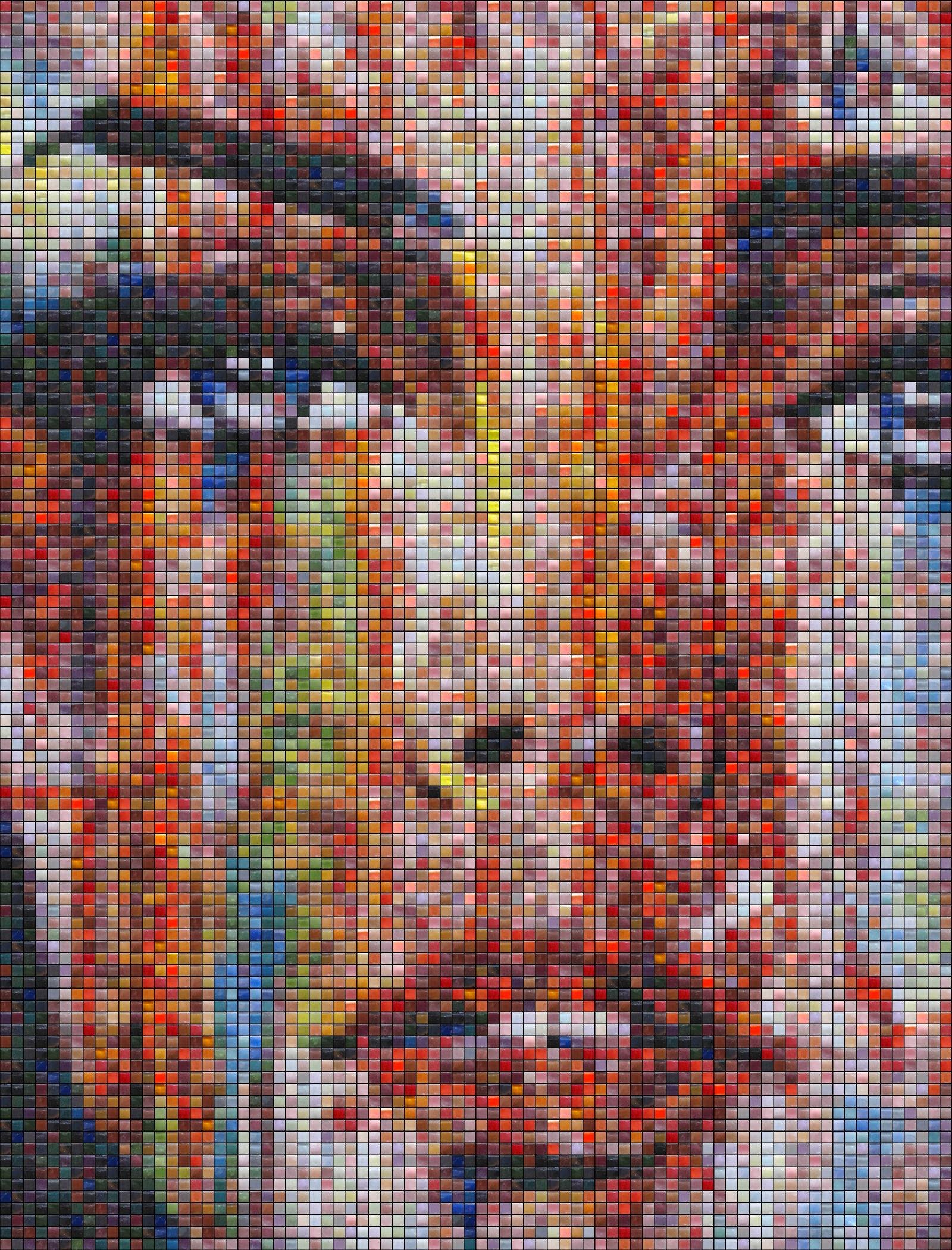
Mosaic Tile Design Calculator
Prepare design for bathroom or pool
Calculate tile mosaic design from glass, ceramic, stone, or quartz tiles.
Plan your bathroom tile mosaic, pool mosaic design, or
kitchen backsplash mosaic. Get a complete tile list and work plan.
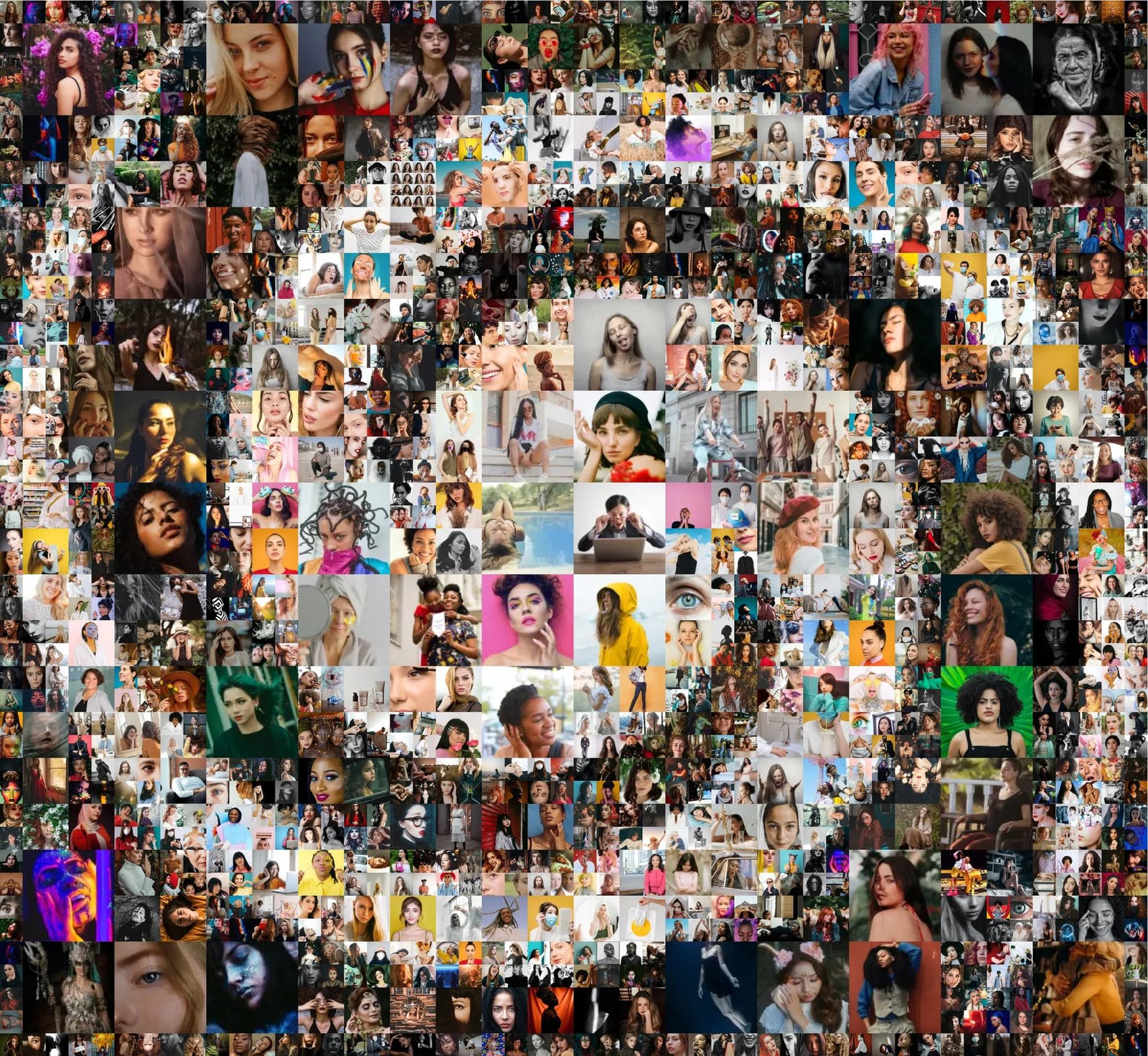
Mosaic Photo Collage
Render perfect photo collage from your own photo gallery
Create a stunning mosaic photo collage from your own photo gallery.
Turn family vacation photos, graduation pictures, or wedding photos into a custom collage artwork with unique patterns and layouts.


Mosaic Tile Graphics
Create real-like tile mosaic from any image tiles - take a photo from your tiles and test result mosaic. You can use any type of tiles - ceramics, glass, stones, fuse beads, or any small items.

Create mosaic from beads
Create a real-like tile mosaic from image tiles. Control fine tile rotation and random positioning. Make mosaic from Perler, Artkal, Hama, Nabbi, or other images or Fuse Beads colors.
More samples in gallery
Why Mosaic Creator Is the Best Photo Mosaic Software for Windows
Unlike online photo mosaic generators and mobile apps, Mosaic Creator is professional desktop software that handles high-resolution images, large prints, and advanced customization.
Poster-Size High Resolution Output
Render huge photo mosaics for large poster printing. No file size limit with Professional version.
80+ Patterns and Pattern Editor
Choose from 60+ built-in mosaic patterns including hexagonal, rectangular, puzzle, and circular tiles. Create your own with the pattern editor.
True Photo Mosaics, Not Fake Layers
Create true photo mosaics without color fading or overlay effects. Each cell retains its original colors.
Tile Mosaic Calculator for DIY
Calculate real tile mosaic designs with material lists for your bathroom, pool, or kitchen.
Multi-Size Tile Support
Use multi-size tile photo mosaics with different cell sizes in one image. Create variable cell mosaics for professional artwork.
Video Mosaic Animation
Render video mosaics and mosaic animations from video sequences — a unique feature not found in competing tools.
How to Make a Photo Mosaic in 4 Easy Steps
Creating your own photo mosaic is easier than you think. Follow these simple steps to make a custom photo mosaic gift, artwork, or tile design with Mosaic Creator.
Choose Your Source Image
Select the photo you want to turn into a mosaic — a portrait, landscape, pet photo, logo, or any image. For the best results, use a clear photo with good contrast. How to make a face photo mosaic works especially well for portraits and group photos.
Select Your Cell Images or Tiles
Choose the photos or images that will fill the mosaic cells. You can use your own photo gallery for a personalized photo mosaic gift, or create a tile mosaic design from images of actual tiles, beads, or craft materials.
Configure Mosaic Settings
Use the Mosaic Wizard to select your tile pattern (hexagonal, rectangular, puzzle, circular, or custom), set the cell size, adjust color enhancements, and choose output format. Custom mosaic graphics are easily created with pattern customization.
Render and Save Your Photo Mosaic
Click render and Mosaic Creator generates your photo mosaic in seconds. Save as BMP, PNG, TIFF, or JPG — or create a video mosaic animation. For large prints, use the Professional version for unlimited poster-size mosaic output.
10 Unique Photo Mosaic Gift Ideas for Every Occasion
A custom photo mosaic is one of the most personal and creative gift ideas. Here are 10 photo mosaic gift ideas you can create with Mosaic Creator.
🍾 Birthday Photo Mosaic Gift
Create a birthday photo mosaic from friends’ and family photos. Use a portrait of the birthday person as the source and fill it with photos from shared memories. Print as a large poster for an unforgettable birthday surprise.
💉 Wedding Photo Mosaic from Guest Photos
Collect wedding guest photos and create a custom mosaic portrait of the couple. This wedding photo mosaic gift becomes a cherished keepsake. Ask guests to submit photos beforehand.
🎄 Christmas Photo Mosaic Decoration
Make a Christmas photo mosaic from family holiday photos each year. Create a mosaic portrait of grandparents or a holiday scene mosaic. An annual tradition the whole family will love.
🐫 Pet Photo Mosaic
Create a pet photo mosaic from photos of your dog, cat, or beloved pet. Use a portrait of your pet as the source. A custom pet mosaic makes a perfect gift for any animal lover.
🎓 School Class Photo Mosaic Poster
Create a school photo mosaic from student class photos. Each student’s photo becomes a cell in the mosaic. Perfect for graduation gifts, yearbooks, and teacher appreciation.
🏠 DIY Tile Mosaic for Home Renovation
Use Mosaic Creator to plan a real tile mosaic for your bathroom, kitchen backsplash, or pool. The tile mosaic calculator generates a work plan with exact tile colors and quantities.
💚 Anniversary Photo Mosaic Frame
Celebrate your anniversary with a custom photo mosaic artwork from years of relationship photos. Create a mosaic portrait from wedding and travel photos as a deeply personal anniversary present.
🔴 Memorial Photo Mosaic Tribute
Create a touching memorial photo mosaic from photos of a loved one. A memory mosaic is a beautiful way to honor someone’s legacy with personalized artwork.
🏆 Fuse Bead Mosaic Pattern for Kids
Generate a fuse bead mosaic pattern from any photo. Kids can recreate famous artworks or family photos using Perler beads, Hama beads, or Artkal — a creative bead art project.
Frequently Asked Questions About Photo Mosaic Software
Everything you need to know about creating photo mosaics, tile mosaic designs, and creative artworks.
What is photo mosaic software and how does it work?
Photo mosaic software like Mosaic Creator takes a source image and fills it with hundreds or thousands of smaller cell images to create a composite artwork. The software analyzes the colors and brightness of each cell area in the source image, then finds the best matching cell image from your collection. When viewed from a distance, the overall image is visible. When viewed up close, you see the individual cell photos. Mosaic Creator uses advanced algorithms for true photo mosaics without color fading, supporting rectangular, hexagonal, and custom tile patterns.
How to make a photo mosaic from my own photos?
How to make a photo mosaic is simple with Mosaic Creator: load your source photo, add cell images from your photo gallery, choose a tile pattern (rectangular, hexagonal, puzzle, or custom), set the cell size, and click render. The built-in Mosaic Wizard guides you through each step. You can create a photo mosaic gift, tile mosaic design, photo collage, or text mosaic in minutes.
What is the best photo mosaic software for Windows?
Mosaic Creator is widely considered the best photo mosaic software for Windows due to its extensive feature set: 80+ tile patterns, multi-size tile support, true photo mosaic rendering (no fake layers), poster-size high-resolution output, tile mosaic design calculator, fuse bead pattern generation, video mosaic animation, and pattern editor. Available in Lite ($29) and Professional ($99) versions with a free 30-day trial.
Can I create a tile mosaic design for my bathroom or pool?
Yes! Mosaic Creator includes a tile mosaic design calculator that lets you plan real bathroom tile mosaics, pool mosaic designs, and kitchen backsplash mosaics. Upload a reference photo, select your tile images (glass, ceramic, stone, or custom tiles), and the software calculates the exact tile layout, color placement, and material quantities. You get a complete work plan for your DIY tile project.
How to make a mosaic from Perler beads or Hama beads?
Mosaic Creator can generate fuse bead mosaic patterns from any photo. It works with Perler beads, Hama beads, Artkal beads, Nabbi Photo Pearls, and other pixel craft bead brands. The software calculates the exact color pattern, tile layout, and bead placement so you can recreate any photo as a bead mosaic artwork.
Can I create a photo mosaic for school or classroom use?
Absolutely. Mosaic Creator is perfect for school photo mosaics and classroom mosaic projects. Teachers use it to create class portraits from student photos, graduation mosaics, school spirit artwork, and educational mosaic projects. The Lite version at $29 is ideal for school mosaic projects.
What file formats does Mosaic Creator support?
Mosaic Creator supports output in BMP, PNG, TIFF, and JPG formats. You can also create video mosaics in AVI format. For large poster printing, BMP and TIFF provide the highest quality. The Professional version has no file size limit, enabling huge photo mosaic poster output.
Is there a free photo mosaic maker available?
Yes, Mosaic Creator offers a free 30-day trial with full feature access. The trial version produces output files up to 20 MB. After the trial, the Lite version is just $29 — far more affordable and feature-rich than most online photo mosaic generators. Download the free trial to test all features before purchasing.


The Most Advanced photo mosaic software
Photo mosaic features
Mosaic Wizzard
Select mosaic type and easy set mosaic configuration
Mosaic calculator
Mosaic size calculator for printed or physical mosaics
Color enhancements
Custom settings for color improvements
Mosaic filling options
Full control over mosaic tile filling - distance and repetition
60+ patterns
Patterns ready for use and pattern editor
Video mosaics
Unique features for photo mosaic rendering
High resolution output
Mosaic rendering in high resolution for poster print
Filling grid editor
Control mosaic filling with multi-size tile support
Random mosaic
Generate randomly filled mosaics
